
AI Tools for Small Businesses: The 5 Worth Using (Tested Against 100)
Written by Mike Uttley · Updated · 8 min read
Practical help for owner-run businesses. 18 years in financial technology. Zapier Solutions Partner.
businessbuddyri.com/resources/guides/ai-tools-for-small-businesses/
Five AI tools can help small business owners: a large language model (ChatGPT, Claude, or Gemini) for first drafts, Canva for marketing graphics, a meeting note taker such as Fathom, Grammarly for everyday writing, and Zapier for connecting the tools you already own. Each does a specific job. Anything that promises to run your business for you is not on the list.
Key Takeaways
- Out of 100+ AI tools tested, five earn a place in a small business: an LLM, Canva, a meeting note taker, Grammarly, and Zapier.
- The best AI tools do narrow, defined jobs -- like part-time employees matched to a specific role.
- Start with an LLM for drafting, add Grammarly second, and save Zapier for last (only automate clean processes).
- Never paste customer lists, financial records, passwords, or confidential information into a free AI tool.

What are the five AI tools worth using?
I tested more than a hundred AI tools (and continue to test new ones every week) with a question in mind: Would this help a real business owner who has no interest in becoming their own IT department? Five passed.
| Tool | The job it does | Cost |
|---|---|---|
| A large language model (ChatGPT, Claude, or Gemini) | Produces first drafts: emails, job postings, website copy, service descriptions | Free tiers; paid from roughly $20/mo |
| Canva | Marketing graphics: flyers, social posts, seasonal promotions | Free tier; paid roughly $13/mo |
| A meeting note taker (Fathom, or built into Zoom) | Records and transcribes calls, produces summaries and action items | Free tiers available |
| Grammarly | Reviews and improves writing as you type, in email, documents, and the browser | Free tier; paid roughly $12/mo |
| Zapier | Connects your existing tools so repeated tasks run without you | Free tier; paid from roughly $20/mo |
The pattern across all five: narrow, defined jobs. AI works best in a small business the way part-time employees do -- matched to a specific role rather than handed the whole operation.
How do I judge whether an AI tool is worth adopting?
New tools appear at breakneck speed, but most of them will not survive contact with an actual workday. Before adopting anything, put it through six questions:
- Does it save time this week (not after an onerous setup project)?
- Can a non-technical person run it without reading a manual?
- Does it work with the tools already in the business?
- Does it remove work rather than create a new category of work?
- Can its value be stated in one sentence?
- Will it still be used once the novelty of AI wears off?
A tool that fails two or more of these is a hobby, not a business tool, no matter how impressive the demo looks.
Which tool should I adopt first?
Start with a large language model. Brainstorming and exploring new ideas can be a time-suck in a small business, and the free tier delivers value on day one. Add Grammarly second; it improves everything you write with zero change to how you work. A meeting note taker comes third, once you notice details from client meetings slipping. Canva enters when marketing output becomes regular rather than occasional.
Why Zapier goes last
Zapier goes last. Automation multiplies whatever process it touches, including a broken one. Automating a messy follow-up process produces missed follow-ups at higher speed. Get the underlying process clean first; the guide on building a follow-up system is the usual starting point.
- Choose one job
Name the actual task you need help with.
- Test it on real work
Start small, using non-sensitive information.
- Review the result
Check accuracy and whether it saved you work.
What is a large language model and how should I use one?
A large language model, or LLM, is software that reads, writes, summarizes, and explains in ordinary English. ChatGPT, Claude, and Gemini are the major options, and for small business writing tasks any of the three is a fine choice.
The useful mental model is a drafting assistant. Hand it the rough version: bullet points about a job you're posting, the awkward paragraph on your services page, the notes from an estimate visit. It returns a clean draft in seconds. Your job shifts from producing words to reviewing them, which is faster and plays to your strengths, since you know the business and the tool does not.
Match the model tier to the task
Each provider sells several model tiers at different prices and capabilities; the inexpensive tier handles routine drafting, and the expensive tier is only worth it for genuinely hard work. Think of it like a set of employees from entry-level to lead architect. Don't give the lead architect a task to alphabetize your business cards. Don't ask the junior employee to draft your strategy for expansion into Europe.
What are Canva, note takers, and Grammarly each for?
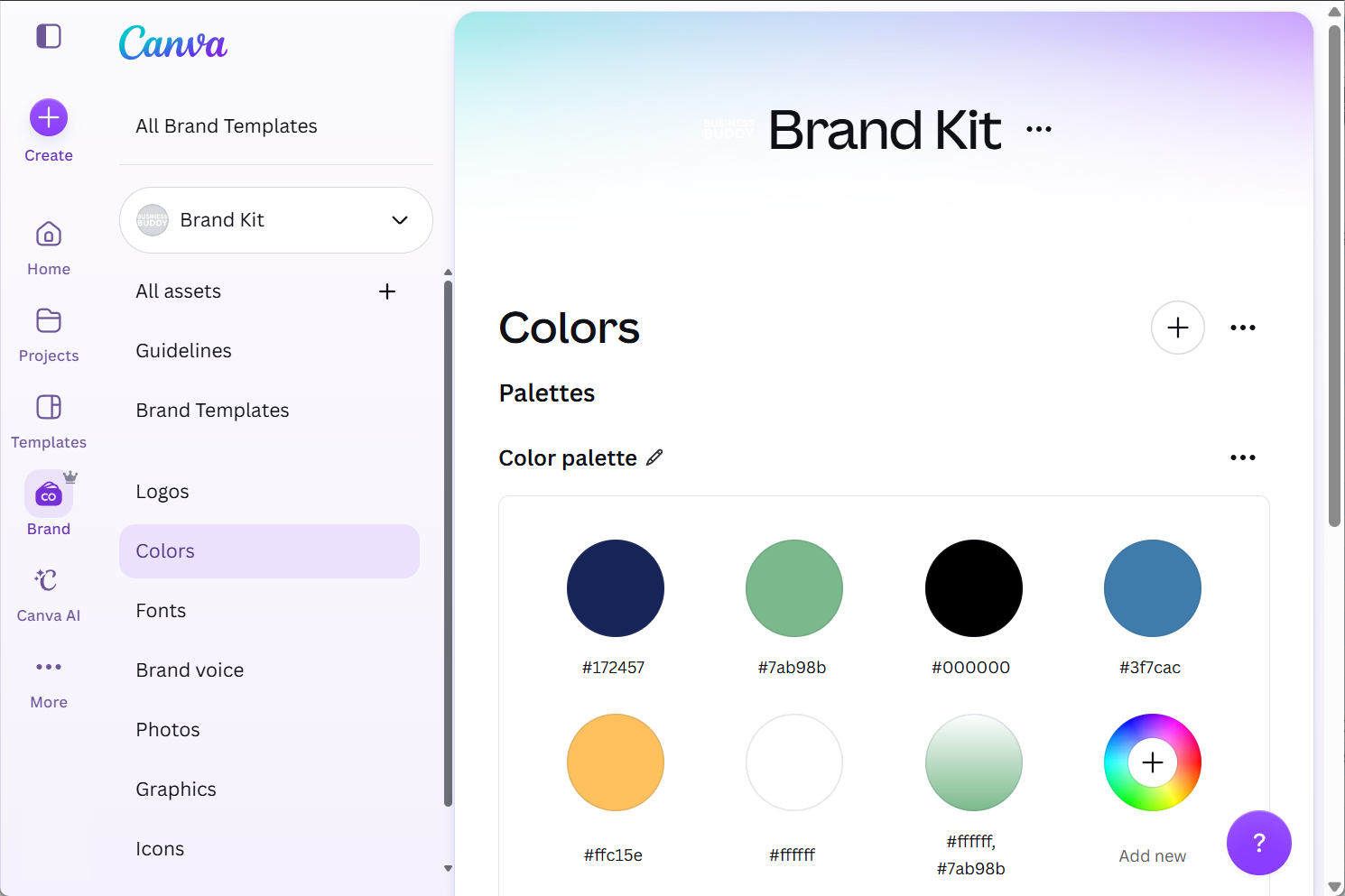
Canva turns marketing tasks that used to require a designer into ten-minute jobs. Load your logo, colors, and fonts into its brand kit once, and every flyer, promo, and social graphic afterward comes out matching your business instead of looking assembled in a word processor.
Meeting note takers solve a quieter problem
The problem: the meeting details that evaporate after a call because you were listening instead of writing. You can use these tools even if you don't hold online meetings; you can run them on your phone as note-takers. Fathom is a popular standalone choice, and Zoom now includes the capability. The tool records, transcribes, and returns a summary with action items. The commitments you made on the call stop depending on your memory.
Grammarly for everyday communication
Grammarly is the most universal of the five because nearly every owner writes daily. It reviews text as you type across email, documents, and the browser, catching errors and offering clearer phrasing. For owners who second-guess their writing, it will remove ten-minute struggles over two-sentence emails.
When do I start using Zapier?
Zapier connects tools that otherwise don't talk to each other. A website inquiry becomes a spreadsheet row. A new customer in the tracker triggers a follow-up task. A completed job generates a draft invoice. Each connection, called a Zap, removes one manual step that used to depend on someone remembering.

When automation makes sense
Full disclosure: I'm a certified Zapier Solutions Partner, so discount my enthusiasm accordingly. Zapier is the right tool only after the process it automates already works manually. Simple two-step Zaps are point and click. Multi-step automations across several systems are real projects, and that's the category of work I take on for clients. If you need help with that, you can always book a free call.
What should I never paste into an AI tool?
Free AI tools may use what you type to improve their models, depending on the provider and your settings. That has consequences for a business.
Keep out of any AI tool: customer lists with contact details, financial records, passwords or account numbers, and anything covered by a confidentiality agreement. For drafting work, describe the situation generically ("a customer is unhappy about a delayed install") rather than pasting the customer's name and history. If AI becomes a daily tool for the business, check the provider's data settings and consider a paid business tier, which typically excludes your data from training by default.
Which AI tools should I skip?
Skip AI logo generators and anything positioned as a substitute for real branding; identity decisions need human taste. Skip AI website builders when the business's offer isn't defined yet, because without direction they generate the most generic pages imaginable. Skip AI agents that answer customers with no human review; a tool speaking to your customers in a voice you didn't choose creates damage faster than it saves time. And skip anything marketed as running your business for you. A pitch that broad means the tool does nothing specific.
The test for everything in this category is the same six questions from earlier.
Free Resources
Set a time to talk
Find out where your operations are actually stuck before adopting any tool.
Good to know
Practical questions.
Do I need to use AI in my small business at all?
Which LLM is best: ChatGPT, Claude, or Gemini?
How much does this whole toolkit cost?
Is it safe to put customer information into AI tools?
Can AI answer my customer messages for me?
What should be in place before I automate anything with Zapier?
Need help putting this into practice?
Bring the problem you want to solve. We can discuss what is getting in the way and whether hands-on help makes sense for your business.

Mike Uttley
I run Business Buddy in Smithfield, Rhode Island. I help owner-run businesses simplify systems, follow up with customers, and improve their online presence.